
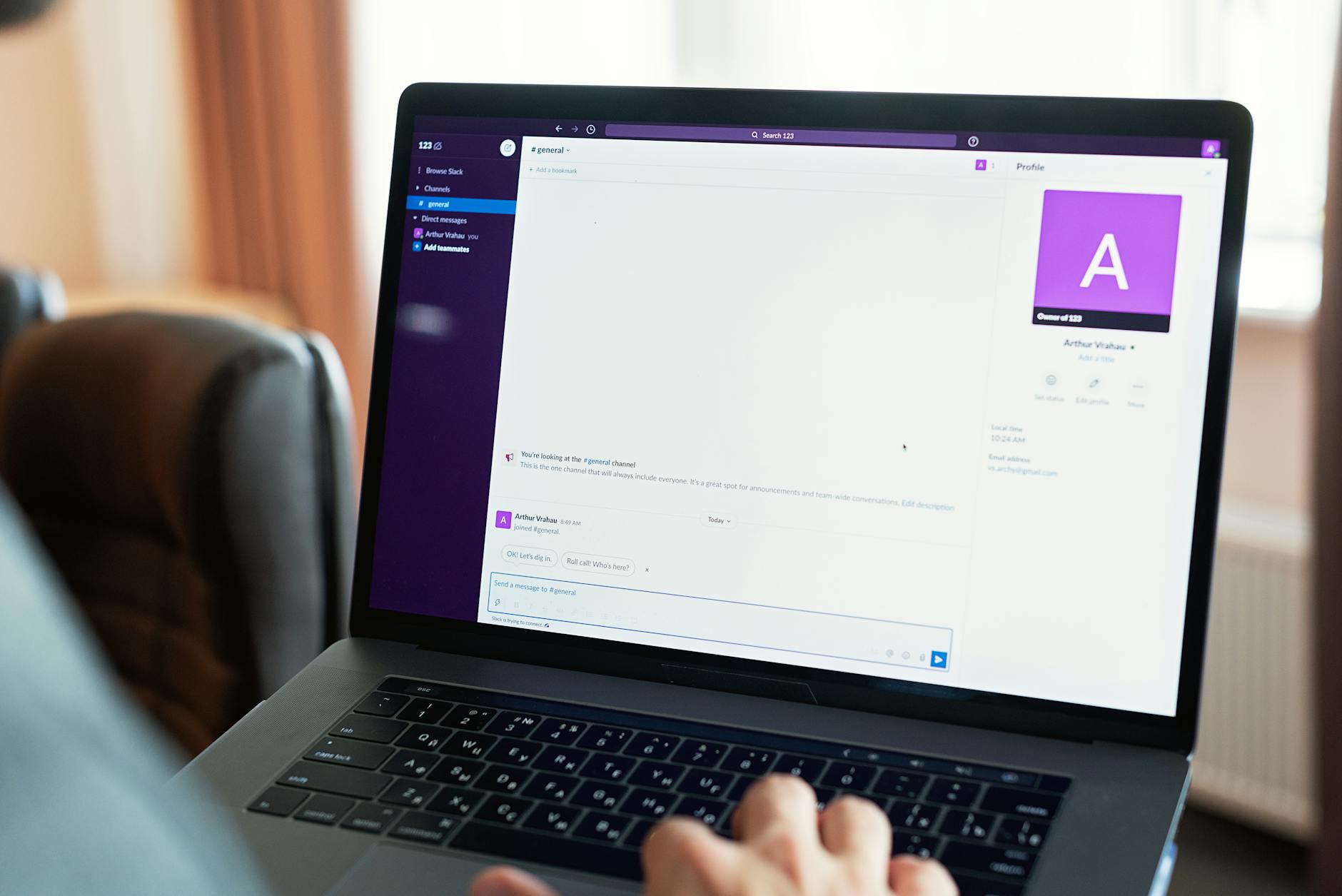

Organizing Slack channels effectively comes down to establishing clear naming conventions, defining channel purpose, and creating a structure that mirrors your team’s workflow rather than your org chart. The most successful teams approach channel organization as a living system—one that adapts as projects evolve—rather than a static hierarchy set at launch.
For example, a software development team might create channels like #frontend-react, #backend-apis, #devops-infrastructure, and #project-roadmap, then add temporary channels like #sprint-12-testing or #incident-2024-database-migration as needed, archiving them once their purpose expires. Without thoughtful organization, Slack becomes a chaotic search engine where critical information gets buried under notifications, and team members waste time finding the right place to ask questions or share updates. Small teams often get away with minimal structure, but once you reach ten or more active members, the cost of poor organization compounds quickly—redundant questions get asked in multiple channels, conversations split across threads and direct messages, and onboarding new team members becomes a frustrating game of guessing where things live.
Table of Contents
- What Are the Core Principles for Structuring Slack Channels?
- How Should You Handle Channel Naming and Discovery?
- What Channel Types Should You Create?
- Should You Organize Channels Hierarchically or Flat?
- How Do You Prevent Channel Sprawl and Manage Inactive Channels?
- What Role Do Pinned Messages and Channel Topics Play?
- How Will Your Slack Organization Evolve as Your Team Grows?
- Conclusion
- Frequently Asked Questions
What Are the Core Principles for Structuring Slack Channels?
The foundation of Slack organization rests on three principles: purpose-driven channels, consistent naming, and avoiding sprawl. Purpose-driven means each channel should have a single, clear reason to exist—#announcements for broadcast updates, #random for off-topic chat, #project-x for a specific deliverable. Consistent naming uses prefixes or suffixes to signal channel type, making it immediately obvious whether you’re looking at a project channel, a team channel, or a topic channel.
For instance, prefixing project channels with “proj-“, team channels with “team-“, and topic channels with “topic-” lets people navigate the channel list without reading descriptions. The comparison to traditional file systems breaks down quickly with Slack because channels aren’t hierarchical—you can’t nest #engineering inside #eng-teams, so you have to encode relationships through naming alone. Avoid the trap of creating channels for every possible discussion; it’s tempting to create #dev-meetings, #dev-questions, #dev-announcements, and #dev-random, but this dilutes attention. A better approach: one channel per meaningful context (like #engineering-general), with threads handling subtopics, and pinned messages holding recurring information like meeting agendas.

How Should You Handle Channel Naming and Discovery?
Channel names should be lowercase, use hyphens instead of underscores (they’re easier to read in Slack’s interface), and be specific enough to self-document. Compare #proj-payment-system to #project1—the former tells you what the channel is about in a glance, the latter forces you to click in and read the topic. A naming scheme that works at scale might look like: type-domain-specificity, so #proj-analytics-tracking, #team-marketing-operations, or #topic-performance-optimization. However, a critical limitation emerges as channel counts grow: discoverability.
Even with perfect naming, finding the right channel becomes harder as your Slack workspace accumulates thirty, fifty, or a hundred channels. Most teams hit a wall around forty channels where the channel browser becomes less useful than a good Slack workspace guide (a pinned message in a #welcome or #channels channel explaining what channels exist and why). Another warning: don’t rename channels lightly. Slack preserves channel history under the old name in searches, but new members won’t find it under the new name, creating confusion about where conversations actually happened. Save renames for major reorganizations you’re prepared to communicate thoroughly.
What Channel Types Should You Create?
Most teams benefit from a base set of channel types: company-wide channels (#announcements, #random, #introductions), team channels (#engineering, #design, #marketing), project channels (#proj-website-redesign), topic channels (#topic-kubernetes, #topic-security), and temporary channels for time-limited initiatives. A typical software company might have: #engineering as a hub for technical discussions, #frontend-react and #backend-node as specialized deep-dives, #oncall for incident response, #deployments for deployment notifications, and #hiring for recruitment. Each channel serves a different purpose and prevents the catch-all #engineering channel from becoming an unusable firehose.
For distributed or remote teams, a practical example shows the value: a design team split across US and EU might create #design-general for asynchronous discussion, #design-critique for feedback on work-in-progress, and #design-async-standup where team members post their daily progress. This structure lets designers in different timezones collaborate without constant meeting overhead. The key insight is that channel organization should reflect how work actually happens, not how org charts are drawn.

Should You Organize Channels Hierarchically or Flat?
You face a tradeoff here between organization and discoverability. Hierarchical naming (like #eng-backend, #eng-frontend, #eng-devops under an imaginary #eng umbrella) creates structure but becomes unwieldy to search—you’re looking for #eng-something among dozens of channels. Flat organization (one-level deep, with varied prefixes) is easier to scan visually but requires discipline to keep readable.
The practical solution most teams land on is shallow hierarchy: keep primary channels flat and purpose-driven (#engineering, #design, #marketing, #sales), then use threads and pinned messages to subdivide within those channels rather than spawning sub-channels. A comparison: a financial services company with strict domain boundaries might use #team-compliance, #team-engineering, #team-operations to mirror reporting lines, while a startup with cross-functional squads might use #squad-auth-team, #squad-payments-team, and avoid team-based channels entirely. Neither approach is universally right; it depends on how your org is structured and whether Slack channels should mirror or intentionally differ from reporting relationships. One hard-won insight: if your org structure changes, your Slack structure will too, so don’t over-index on mirroring reporting lines that might shift.
How Do You Prevent Channel Sprawl and Manage Inactive Channels?
Channel sprawl happens when every half-formed idea gets its own channel, creating hundreds of abandoned channels that clutter the interface and confuse new members. Teams prevent this by setting a high bar for channel creation—only leads or teams can create channels, not individuals, or require approval for new channels in a #channel-requests submission. A warning: reactive channel creation without cleanup creates graveyards. If you create #project-x and the project concludes, archive the channel so it stops appearing in searches and the channel list, but remains accessible to those who need historical context.
A practical system: quarterly reviews of channels, where you identify inactive or overlapping channels and archive them. Slack’s analytics (available in Pro+ plans) show message activity per channel, making this task objective rather than opinion-based. For example, if #hiring-process and #recruiting-team both serve the same purpose with overlapping membership, merge them into one and redirect traffic. Set guidelines like “channels with zero messages in 60 days get archived” or “channels with more than one unread for new members get reviewed for clarity.” This isn’t about perfectionism—it’s about keeping your Slack workspace navigable and making it easier for new hires to understand where conversations happen.

What Role Do Pinned Messages and Channel Topics Play?
Pinned messages and channel descriptions are force multipliers for organization. In #engineering, pin the team’s core values, links to key documents (deployment guides, architecture diagrams), meeting times, and on-call rotation. Slack’s “topic” and “description” fields (set when you edit a channel) are visible when someone hovers over or joins a channel, so they’re your first line of defense against people asking “what is this channel for?” in the channel itself.
A specific example: in #oncall, pin a message with the escalation path, links to runbooks, and who’s currently on call, updated weekly. In #deployments, auto-post deployment status and link to dashboards so engineers don’t have to ask, “are we deployed yet?” Description fields should answer: “Who should be here?” and “What happens in this channel?” For #proj-analytics-platform, you might write: “Analytics team and stakeholders building the new analytics reporting platform. Use this for design decisions, blockers, and status updates. See #proj-analytics-platform-docs for architecture docs.” This one-line clarity prevents a hundred questions and keeps your channel focused.
How Will Your Slack Organization Evolve as Your Team Grows?
Slack organization that works for six engineers will feel constraining at forty. Plan for evolution: start simple with fewer, broader channels and split them only when they become unwieldy (when daily message volume is hard to follow). At ten to twenty people, you’ll likely need topic-specific channels. At fifty+, you’ll want more structure, possibly sub-team channels and stricter governance.
A forward-looking insight: the rise of thread usage and filtering tools means Slack is gradually becoming less about channel organization and more about thread discipline—teams at scale increasingly use one broad channel and rely on strong thread etiquette to keep conversations organized. Also anticipate that asynchronous communication becomes more critical as teams scale geographically. Channel organization for a co-located team can be more fluid; for distributed teams, channel and thread organization prevents meeting-heavy collaboration and enables folks to participate on their own schedule. Tools like saved searches and slack canvases are emerging as ways to organize information outside of channels, so your organization strategy may need to evolve beyond channel structure alone.
Conclusion
Effective Slack organization is about matching your channel structure to how your team actually works, using clear naming and purpose statements to keep channels findable, and resisting the urge to create channels for every possible discussion. Start with a simple structure—company, team, project, and topic channels—and add complexity only as you need it.
Regularly review and archive inactive channels to prevent clutter. The investment in thoughtful organization pays off immediately: new team members find information faster, conversations stay focused, and you avoid the burnout of scrolling through dozens of channels to find context. Treat your Slack workspace as infrastructure worth maintaining, and you’ll find it becomes a genuine hub for collaboration instead of a source of notification fatigue.
Frequently Asked Questions
How many channels is too many?
There’s no magic number, but if you can’t scan your full channel list without scrolling, you’re probably above the comfortable limit. Most teams function well with thirty to fifty active channels. The real metric is discoverability: if people ask “what channel is that?” more than once per week, you need to improve documentation, not create more channels.
Should channels mirror my org chart?
Not necessarily. While team channels (#engineering, #design) based on departments make sense, over-indexing on org structure creates channels that become obsolete during reorganizations. Focus on purpose—what work happens here—rather than reporting lines.
Can I use sub-channels or folders?
Slack doesn’t support nested channels, so naming conventions (like #proj-x-design, #proj-x-backend) are your only option. Some teams supplement with Slack canvases or external wikis to create deeper hierarchies for documentation.
How do I handle sensitive information channel organization?
Create private channels for confidential conversations (#leadership-only, #finance-planning), but be cautious about creating too many private channels—they fragment information and increase the risk of knowledge silos where people on the wrong channel miss critical updates.
What happens to messages in archived channels?
Archived channels remain searchable, and members can view history, but the channel stops appearing in your sidebar and member lists. Messages aren’t deleted; they’re preserved but hidden from the active channel list.
How often should I reorganize my Slack workspace?
Avoid constant reorganization, which confuses people about where conversations happen. Review your channel structure annually or when your team size or structure changes significantly, then communicate changes clearly before implementing them.


