
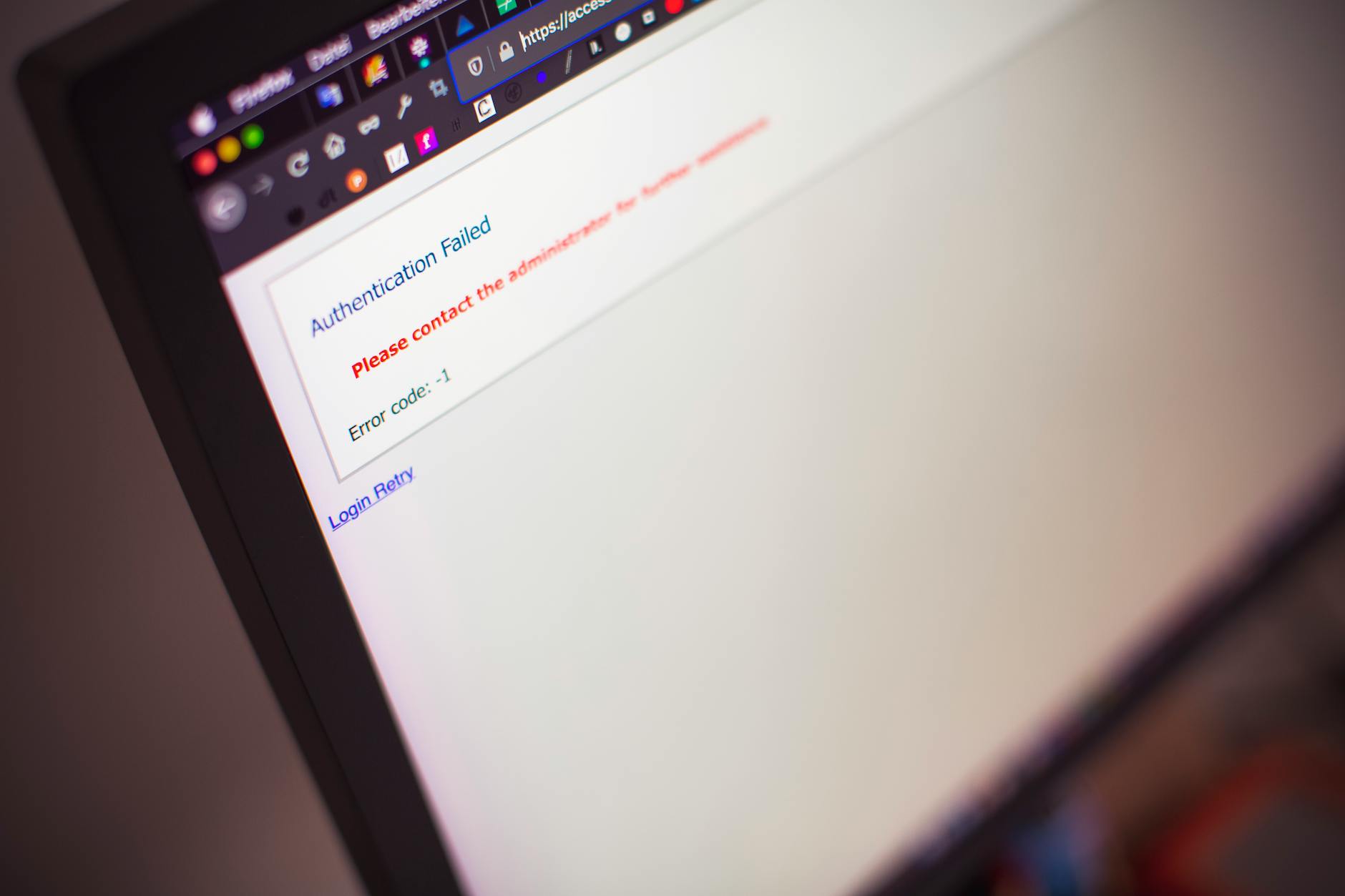

Your Webflow site almost certainly was not compromised by Webflow itself in the February attack—because there was no Webflow platform breach. According to Webflow’s Trust Center, the platform’s infrastructure and customer data remain secure with no evidence of exploitation in Webflow’s environment. However, attackers have been actively exploiting Webflow users through indirect methods, and your site could have been targeted without any fault on Webflow’s part. The real threat isn’t Webflow’s systems failing; it’s attackers abusing Webflow’s services or discovering weaknesses in how you’ve configured your own site.
The confusion stems from a highly publicized phishing campaign that was identified in January 2025 by Netskope Threat Labs. This campaign abused Webflow’s legitimate CDN infrastructure to host malicious content—a critical distinction that many site owners miss. The attackers weren’t inside Webflow’s systems; they were using Webflow as a delivery mechanism for their phishing attacks, similar to how attackers might abuse any trusted CDN or hosting provider. If your site visitors received emails with suspicious PDF links or fake login prompts claiming to be from your domain, your site may have been an indirect target of this campaign.
Table of Contents
- What Actually Happened in the Webflow Attack?
- The Real Vulnerabilities Affecting Webflow Sites
- How to Detect If Your Webflow Site Was Compromised
- Verifying Your Site Against the Phishing Campaign
- Securing Your Webflow Site Against Known Vulnerabilities
- Understanding CVE-2026-31431 and Webflow’s Security Landscape
- Monitoring and Future-Proofing Your Webflow Site
- Conclusion
What Actually Happened in the Webflow Attack?
The January 2025 phishing campaign identified by Netskope didn’t exploit webflow‘s code or infrastructure—it exploited Webflow’s trust. Attackers registered legitimate Webflow projects and used the platform’s CDN to serve malicious files disguised as innocent PDFs. When potential victims downloaded these files, they encountered fake CAPTCHA challenges designed to look authentic, which redirected users to phishing pages requesting credit card information. The campaign was remarkably persistent: users entering card data would be asked to enter it again, and again, until they finally saw an HTTP 500 error page that made the attack obvious.
This represents a fundamental shift in how modern attacks work against web platforms. Rather than breaking into Webflow’s servers or stealing customer databases, attackers leveraged the platform’s legitimacy to gain trust from victims. From a user’s perspective, the PDF appeared to come from a trusted source and was served from Webflow’s secure infrastructure—both indicators that normally signal safety. This is why the campaign affected hundreds of users: the social engineering component was as important as the technical delivery mechanism.

The Real Vulnerabilities Affecting Webflow Sites
While Webflow itself wasn’t breached, security research by UpGuard and other firms reveals that over 80 percent of Webflow security incidents stem from configuration weaknesses rather than platform flaws. The most common issues are exposed API keys left in public repositories or client-side code, missing database access controls that allow attackers to dump user data, weak authentication mechanisms that don’t enforce strong passwords or multi-factor authentication, and missing security headers that would prevent common attacks like cross-site scripting and clickjacking. These aren’t Webflow problems—they’re problems with how developers use Webflow. Consider a real-world scenario: a developer generates a Webflow API key during development and accidentally commits it to a public GitHub repository.
Within hours, automated scanners find the key. An attacker then uses that key to access the site’s backend, modify content, inject malicious scripts, or export customer databases. The Webflow platform worked exactly as designed—the developer’s mistake created the opening. Similarly, a site might be vulnerable because its contact form doesn’t properly validate inputs, allowing attackers to inject SQL code if the backend isn’t properly sanitized. Webflow provides the tools to build securely, but doesn’t automatically prevent you from building insecurely.
How to Detect If Your Webflow Site Was Compromised
The warning signs of a compromised webflow site vary depending on the attack method. If your site was targeted by the phishing campaign, you might see unexpected traffic spikes from legitimate-looking visitors who stay on the site for unusually short periods, or you might receive reports from visitors claiming they encountered suspicious content. Check your Webflow analytics for unusual activity patterns, including traffic from unexpected geographic regions, or users clicking on pages that don’t exist on your site. Your hosting provider or security monitoring tools might flag new redirects or scripts you didn’t authorize.
More direct indicators include unauthorized changes to your site content, unexpected new user accounts in your Webflow workspace, changes to your DNS settings, or alerts from your email provider about login attempts from unfamiliar locations. If you use Webflow’s form submission feature, check your submissions for suspicious patterns—phishing attacks sometimes test whether a form is actually sending data before launching a full campaign. Look at your site’s HTML source code and browser developer tools for unfamiliar JavaScript that you didn’t add. Check your Webflow logs and any connected integrations (Zapier, Make, etc.) for activities you don’t recognize. These signs suggest either your site was directly compromised or your credentials were stolen.

Verifying Your Site Against the Phishing Campaign
To determine if your site was involved in the phishing campaign that abused Webflow’s CDN, start by reviewing your Webflow project settings and checking whether any unusual API integrations were created. The phishing campaign required attackers to register for Webflow accounts and create projects, so if someone gained access to your account, they might have created additional projects you don’t recognize. Check your Webflow billing history for unexpected projects or charges. Review the “Activity” section in your Webflow workspace settings to see which IP addresses have recently accessed your account, particularly looking for logins from countries or regions where you don’t operate.
You can also monitor your site’s referral traffic and search for unusual patterns in your logs. The Netskope report indicated the phishing PDFs were distributed through mass email campaigns, so if you suddenly see traffic spikes without corresponding increases in organic search or known marketing campaigns, investigate the source. If you have access to your server logs or a web application firewall (WAF), search for requests to suspicious file paths or unusual query parameters that might indicate someone was probing your site’s security. Note that this investigation is primarily about understanding if your site was used as a vector—legitimate Webflow sites being abused by attackers isn’t the same as your site being compromised in a way that requires remediation.
Securing Your Webflow Site Against Known Vulnerabilities
The most critical security step is to audit all API keys and access credentials you’ve created for Webflow. If any keys are exposed in public code repositories, rotate them immediately through the Webflow dashboard. Change your Webflow account password to something strong and unique, and enable multi-factor authentication if you haven’t already. Review all connected integrations and third-party applications that have access to your Webflow account—delete any that you no longer use or don’t recognize. For your site’s backend security, implement strong authentication for any custom forms or user accounts.
If you’re using Webflow’s form functionality, ensure that your backend properly validates and sanitizes all inputs. If you’re running custom code or have connected a backend database, never store API keys or credentials in client-side code or environment variables that appear in your codebase. Use proper environment management and secrets management tools. Add security headers to your site, including Content-Security-Policy, X-Frame-Options, and X-Content-Type-Options, which Webflow allows you to configure. Consider using a web application firewall (WAF) to monitor for and block common attacks. Enable HTTPS (which Webflow provides by default) and ensure your SSL certificate is current and valid.

Understanding CVE-2026-31431 and Webflow’s Security Landscape
Webflow’s security team has been investigating a vulnerability tracked as CVE-2026-31431, labeled “Copy Fail,” which affects local Linux systems. This vulnerability allows privilege escalation for users who already have local access to a Linux machine—it cannot be exploited remotely over the internet. For Webflow site owners, this vulnerability is relevant only if you’re running custom Linux-based servers or have self-hosted components connected to Webflow. If you’re using Webflow’s fully managed hosting, this CVE doesn’t directly affect you. However, it underscores why staying informed about security disclosures matters and why you should keep your systems updated.
The broader security landscape for Webflow sites is shaped by the platform’s flexibility. Webflow allows developers to add custom code, integrate third-party services, and build complex interactions—which creates powerful possibilities but also potential attack surfaces. Every integration you add is another potential vulnerability vector. Every line of custom code is code you’re responsible for securing. The limitation of any web platform is that security is ultimately a shared responsibility: the platform provider secures the infrastructure, but you secure your configuration, your integrations, and your code.
Monitoring and Future-Proofing Your Webflow Site
Moving forward, treat your Webflow site security as an ongoing responsibility rather than a one-time setup. Regularly review your Webflow workspace members and access logs to ensure only authorized people can modify your site. Enable notifications for unusual account activity if your hosting provider or monitoring tool offers them. Keep detailed records of which APIs and integrations you’ve authorized, and periodically review them for necessity and legitimacy.
The Webflow platform itself will continue evolving its security measures, and staying informed about updates and best practices should be part of your regular maintenance schedule. Consider subscribing to Webflow’s security bulletins and following their official security blog. If you’re building anything that handles sensitive data—customer information, payment details, or personal data—invest in security testing and consider working with security professionals to audit your implementation. The reality is that attacks like the phishing campaign will continue to target web platforms and their users; your job is to ensure your site and your users are protected through vigilant configuration and proactive security practices.
Conclusion
The February phishing campaign that raised concerns about Webflow security was not a Webflow platform compromise—it was an indirect attack that abused Webflow’s infrastructure and user trust. Your site was almost certainly not breached by Webflow itself, but it may have been targeted indirectly or may be vulnerable due to configuration issues. The distinction matters because it changes your response: instead of waiting for Webflow to patch a nonexistent vulnerability, you need to audit your own site’s security and ensure your account access is protected.
Start by checking your Webflow account settings for unauthorized changes, reviewing your API keys and integrations for exposure, and implementing strong authentication and security headers on your site. Monitor your traffic and logs for suspicious patterns, and treat security as an ongoing process rather than a one-time concern. The good news is that most Webflow security incidents are preventable through proper configuration and diligent maintenance—no mysterious platform flaws required.


