
JIRA 101: How to Create Projects, Issues, and Workflows

JIRA is created as a project first, then populated with issues that flow through custom workflows—giving your team a structured way to track, organize,...
JIRA is created as a project first, then populated with issues that flow through custom workflows—giving your team a structured way to track, organize,...

Yes, you can track time and manage to-dos in Basecamp without purchasing additional tools or third-party software.

The key to using Basecamp notifications without overwhelming your team lies in understanding that notification management is a two-part process:...

Neither Basecamp nor JIRA is universally superior—the right choice depends entirely on what your team actually needs to accomplish.
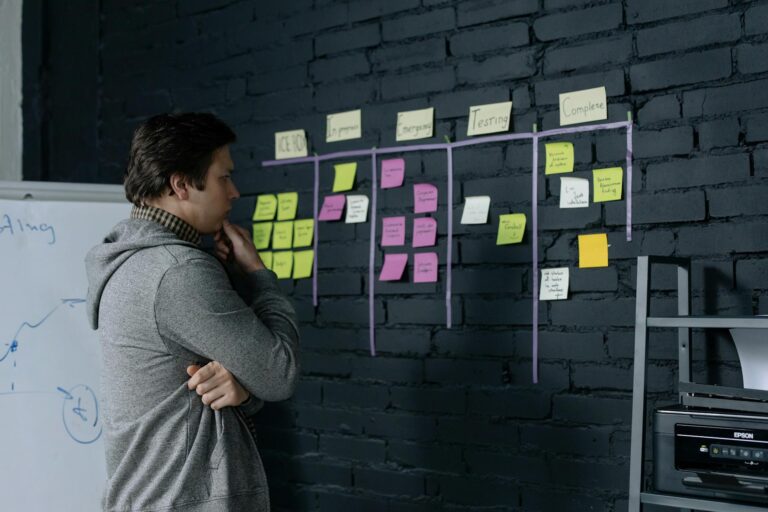
Organizing client projects efficiently in Basecamp starts with understanding its three core organizational layers: individual projects, project stacks for...

Basecamp is a web-based project management platform that simplifies team coordination by combining task management, messaging, file storage, and...

Premiere Pro lag can be fixed through a combination of technical adjustments to your media settings, cache management, and hardware optimization.

Adding transitions and motion graphics in Premiere Pro involves dragging preset effects onto clips, customizing timing and properties, or building custom...

Setting up Premiere Pro for smooth YouTube editing begins with configuring your project settings to match YouTube's technical requirements, adjusting your...

To edit your first video in Premiere Pro, start by importing your footage into a new project, then arrange your clips on the timeline, trim them to the...