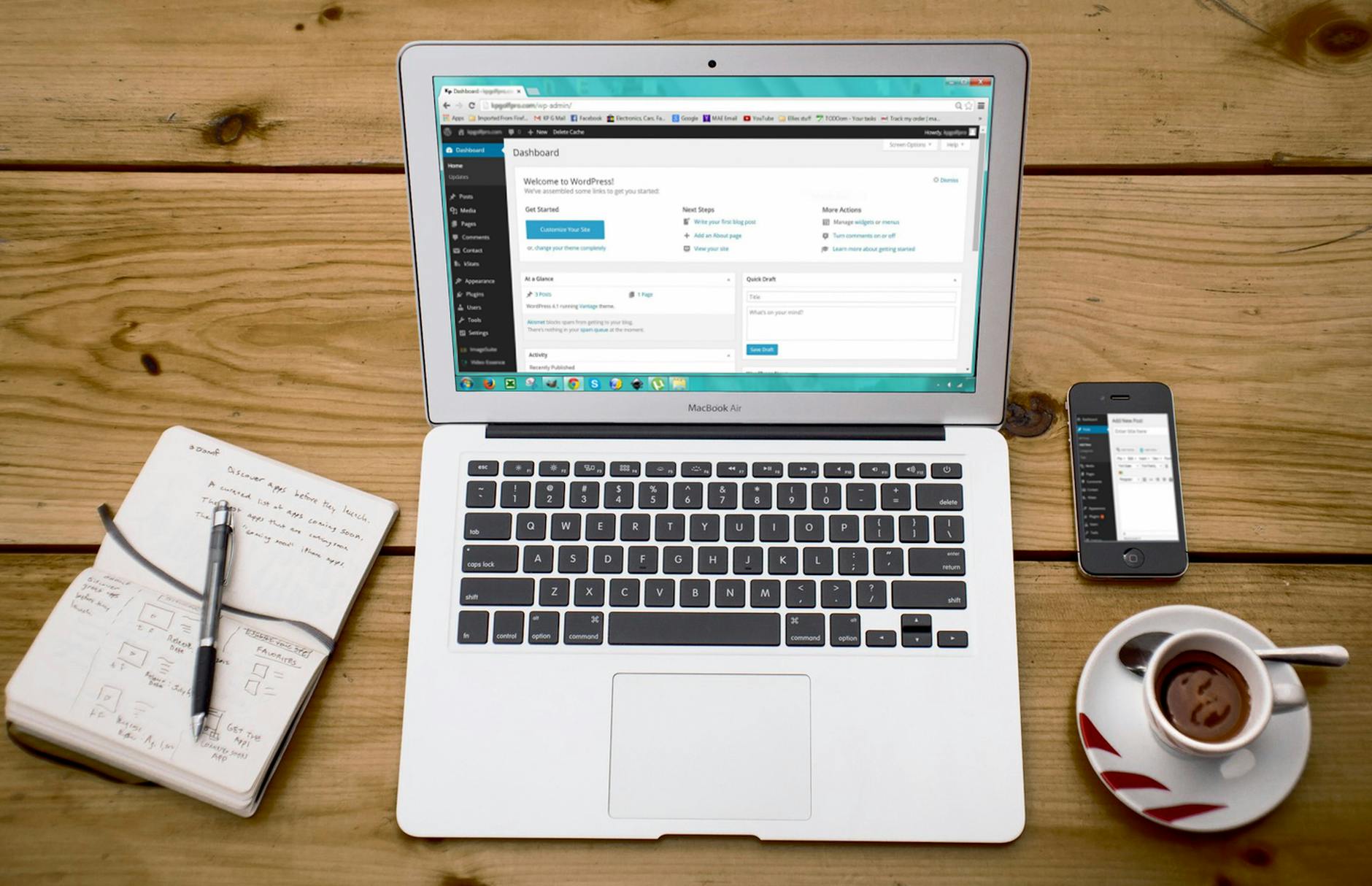

WordPress and its ecosystem are facing an unprecedented security crisis. Yoast SEO, installed on over 12 million websites, contains a critical stored cross-site scripting vulnerability that allows authenticated attackers to inject malicious code executed for all site visitors. This isn’t an isolated incident—Elementor Pro affects 5 million sites with a remote code execution flaw, LiteSpeed Cache endangers 6 million more with privilege escalation attacks, and WordPress 6.9.4 has just addressed 10 critical security issues across the platform. The vulnerability landscape has deteriorated dramatically: 331 new vulnerabilities emerged in a single week in mid-April 2026, with 120 remaining unpatched.
The scale of exposure demands immediate action. In 2025 alone, the WordPress ecosystem saw 11,334 new vulnerabilities—a 42% increase year-over-year—and troublingly, 43% of those require zero authentication to exploit. Most affected are plugins, which account for 91% of all vulnerabilities, creating a fragmented attack surface that few site owners actively monitor. If you’re running WordPress with popular SEO, caching, or page builder plugins, your site is almost certainly exposed to at least one critical vulnerability right now.
Table of Contents
- Which Plugins and Plugins Are Affected by These Critical Vulnerabilities?
- How Widespread Is the Vulnerability Threat Across the WordPress Ecosystem?
- What Makes These Vulnerabilities So Dangerous to WordPress Site Owners?
- How Should You Prioritize Updates and Patch Your WordPress Installation?
- What Vulnerabilities Remain Unpatched and How Do You Monitor Them?
- What Steps Should You Take If Your Site Has Already Been Compromised?
- How Should You Plan Long-Term WordPress Security Strategy Going Forward?
- Conclusion
- Frequently Asked Questions
Which Plugins and Plugins Are Affected by These Critical Vulnerabilities?
The most dangerous vulnerability currently affecting wordpress sites is the stored XSS flaw in Yoast SEO. With 12 million active installations, Yoast SEO’s vulnerability allows anyone with access to the WordPress editor or admin panel to inject malicious scripts that execute for every visitor viewing the site—not just for administrators. This means if a competitor gains editor access, or if you have a compromised team member, they can silently inject phishing code, malware redirects, or credential-harvesting forms without any technical expertise. The attack surface is enormous because Yoast SEO is used primarily by content creators and marketing teams who may not understand security implications.
Beyond Yoast, the situation worsens with elementor Pro’s remote code execution vulnerability affecting 5 million installations. Unlike the Yoast XSS attack, which requires some level of access, Elementor Pro’s CVSS 9.8 vulnerability can potentially be exploited remotely with less friction, giving attackers the ability to execute arbitrary code on your server. LiteSpeed Cache’s privilege escalation flaw (CVSS 9.1) on 6 million sites represents another critical threat, allowing low-level users to gain administrative privileges. The May 1, 2026 CVE-2026-40776 vulnerability in Eventin Plugin versions 4.1.8 and below demonstrates that even event management plugins—seemingly low-risk—now carry critical access control vulnerabilities.
How Widespread Is the Vulnerability Threat Across the WordPress Ecosystem?
The vulnerability problem has accelerated beyond typical plugin update cycles. In the week of mid-April 2026, security researchers identified 331 new vulnerabilities across the WordPress ecosystem—275 in plugins and 56 in themes—with 120 of those remaining unpatched weeks later. This creates a cascading vulnerability scenario where site owners cannot patch fast enough to protect their installations. Compare this to 2025, when WordPress saw 11,334 vulnerabilities over the entire year; we’re now experiencing roughly 6% of that annual volume every single week.
One critical limitation in the current update landscape is that WordPress core itself has become relatively secure—only 6 vulnerabilities appeared in core in 2026, all low-priority—while the plugin ecosystem remains dangerously unstable. This asymmetry means that keeping WordPress core updated is necessary but insufficient for security. The average WordPress site runs 10–15 active plugins, and if even one hasn’t been updated in the past 30 days, your site is almost certainly vulnerable to something. XSS vulnerabilities account for 40–42% of all reported WordPress vulnerabilities, making injection attacks the dominant threat vector across the ecosystem.
What Makes These Vulnerabilities So Dangerous to WordPress Site Owners?
The Yoast SEO vulnerability exemplifies why these threats are particularly insidious. Because Yoast SEO integrates deeply into the WordPress editor and content publishing workflow, it’s trusted by content teams and rarely questioned. An attacker who injects malicious scripts through this vulnerability can harvest user data, capture login credentials, inject affiliate links, redirect traffic, or inject spam links for SEO manipulation. Unlike a direct server breach, this attack leaves minimal traces and can persist across site backups if the malicious code is baked into post content itself.
Site owners often discover such attacks months later when search rankings plummet or users report phishing emails. Elementor Pro’s remote code execution vulnerability is more dangerous in the immediate sense because it can bypass WordPress authentication entirely. Remote code execution on a web server is the highest-severity attack because it gives attackers complete control to exfiltrate databases, install backdoors, or weaponize your server for botnet attacks. The LiteSpeed Cache privilege escalation is particularly problematic because LiteSpeed Cache runs at the server level to handle caching, meaning a privilege escalation in this plugin can grant attackers admin capabilities across multiple WordPress installations on the same server. The common thread is that these aren’t theoretical vulnerabilities—they’re actively exploitable flaws in widely deployed code.
How Should You Prioritize Updates and Patch Your WordPress Installation?
The correct approach to patching WordPress vulnerabilities follows a strict priority order: WordPress core first, then critical plugins, then everything else. Update WordPress to version 6.9.4 immediately—not because WordPress core has many vulnerabilities, but because the update framework itself needs to be secure and current. Second, identify which plugins in your installation are among the affected ones: Yoast SEO, Elementor Pro, LiteSpeed Cache, and Eventin Plugin. These should be updated within hours of a patch release, not days.
The tradeoff in WordPress patching is that updating can sometimes break site functionality, particularly with page builders like Elementor Pro or caching plugins like LiteSpeed Cache. Many site owners delay updates specifically because they fear compatibility issues. However, delaying an update for a plugin with a stored XSS or remote code execution vulnerability is far more dangerous than potential temporary site issues from an update. Test updates on a staging environment first if possible, but if you’re running vulnerable versions in production, patching should take precedence over testing. For plugins without active development or patches, consider disabling them entirely until updates are available.
What Vulnerabilities Remain Unpatched and How Do You Monitor Them?
The vulnerability tracking data reveals an uncomfortable reality: even after vulnerabilities are publicly disclosed, a significant percentage remain unpatched in the wild for weeks or months. In mid-April 2026, 120 of 331 newly identified vulnerabilities remained unpatched, meaning site owners using those plugins had no available remediation. This creates a dangerous window where attackers can exploit publicly known vulnerabilities before patches exist or before site owners can apply them. The Eventin Plugin vulnerability, disclosed May 1, 2026, exemplifies this: until version 4.1.9 was released, installations running 4.1.8 or earlier had zero options for patch-based defense. This limitation should drive your monitoring strategy.
Rather than waiting for vendors to release patches, implement a vulnerability scanner like Wordfence, Sucuri, or SolidWP’s security tools that can alert you to known vulnerabilities in real-time. Many WordPress hosting providers now offer automated security scanning and one-click updates for plugins and themes. Additionally, maintain a security audit schedule: review your installed plugins quarterly and ask whether each one is still necessary and actively maintained. Abandoned plugins—those without updates in the past 12 months—should be deactivated and removed. Some hosting environments also allow you to enable automatic updates for plugins, which trades some stability risk for faster vulnerability remediation.
What Steps Should You Take If Your Site Has Already Been Compromised?
If you suspect your WordPress site has been compromised by one of these vulnerabilities—indicated by unusual admin accounts, strange code in your theme’s functions.php file, or mysterious redirects—immediate action is required. First, don’t wait for a patch: take the affected plugin offline immediately by deactivating and deleting it. Then, scan your site with a professional security tool like Wordfence Security, which can identify malicious code, backdoors, and unauthorized user accounts. Change all administrator passwords, invalidate all active sessions, and audit user accounts for suspicious additions.
A critical next step is checking your website backups. If your backups include the infected code, restoring from backup will reinfect your site. Instead, you may need to restore from a backup from before the vulnerability was exploited, or perform a manual remediation by removing malicious code while keeping legitimate content. For serious compromises, hiring a WordPress security firm to handle cleanup is often worth the cost, as a botched remediation can leave backdoors intact.
How Should You Plan Long-Term WordPress Security Strategy Going Forward?
The 42% year-over-year increase in WordPress vulnerabilities suggests that the current model of relying on plugin developers for security is breaking down. While WordPress 6.9.4 addressed 10 security issues, the real vulnerability crisis exists in the plugin ecosystem, where 91% of vulnerabilities occur. Moving forward, WordPress site owners should implement a multi-layered defense strategy: automated updates through managed WordPress hosting, regular security audits using tools like Wordfence or SolidWP, web application firewalls (WAF) like Cloudflare or Sucuri that can block known attack signatures, and periodic manual security reviews. Additionally, consider consolidating your plugin footprint.
Instead of using separate plugins for each feature, evaluate whether all-in-one solutions or WordPress’s native capabilities can reduce your attack surface. For example, Yoast SEO’s stored XSS vulnerability might be avoided entirely by switching to Rankmath, or by using WordPress’s native site health and SEO features if you don’t need advanced functionality. The vulnerability trend indicates that maintaining 15+ active plugins is increasingly untenable from a security perspective. Finally, evaluate your hosting provider’s security posture—managed WordPress hosts typically offer better vulnerability response times and automatic patching than traditional shared hosting.
Conclusion
The WordPress ecosystem faces a critical security moment. Yoast SEO, Elementor Pro, LiteSpeed Cache, and dozens of other widely deployed plugins contain exploitable vulnerabilities affecting millions of websites. With 331 new vulnerabilities emerging weekly and 120+ remaining unpatched, the time for reactive security is over.
Update WordPress to version 6.9.4 today, patch Yoast SEO, Elementor Pro, LiteSpeed Cache, and Eventin Plugin immediately, and then conduct a full audit of your remaining plugins for security updates. Beyond immediate patching, implement ongoing security monitoring using tools like Wordfence or SolidWP, consider managed WordPress hosting with automated updates, and reduce your plugin footprint wherever possible. The 2026 vulnerability trend shows no signs of slowing—expecting things to get safer without action is unrealistic. Your site’s security depends on vigilance, regular audits, and a willingness to update frequently.
Frequently Asked Questions
How do I know if my WordPress site has been affected by one of these vulnerabilities?
Use a security scanning tool like Wordfence Security or Sucuri to identify vulnerable plugins on your site. Most WordPress security plugins can perform vulnerability scans that check your installed plugins and themes against known vulnerability databases. If your scan shows Yoast SEO, Elementor Pro, LiteSpeed Cache, or Eventin Plugin versions without recent security patches, your site is at risk.
Is it safe to update WordPress and plugins if I haven’t updated in months?
Yes. While updating can theoretically introduce compatibility issues, running months-old software with known security vulnerabilities is far more dangerous. Update in this order: WordPress core first, then critical plugins like Yoast SEO and Elementor Pro, then everything else. If you’re concerned about compatibility, test updates on a staging environment, but don’t delay patching on your live site for weeks while testing.
What should I do if a plugin with a critical vulnerability has no available patch?
Deactivate and delete the plugin immediately. A vulnerable plugin that’s disabled cannot be exploited. Then either find an alternative plugin that serves the same function or implement the functionality differently. Do not leave a vulnerable plugin active while waiting for a patch if you have other options.
Can my WordPress hosting provider protect me from these vulnerabilities?
Managed WordPress hosts typically offer better protection through automatic updates, server-level firewalls, and security monitoring. However, you’re still responsible for keeping plugins updated and maintaining good security practices. Standard shared hosting providers offer less protection and require more active management on your part.
How often should I audit my WordPress site for vulnerabilities?
Ideally, every week with automated scanning tools, and manually every month. Given that 331 vulnerabilities emerged in a single week in April 2026, weekly vulnerability scans are now a baseline security requirement rather than optional best practice. Many WordPress security plugins offer automated weekly scans for free or at minimal cost.
Is it better to use WordPress with fewer plugins or more plugins?
Fewer, actively maintained plugins are always better from a security perspective. Each plugin is a potential vulnerability vector. Review your plugins quarterly and ask whether each one is truly necessary. Consolidated solutions with large development teams (like Rankmath instead of Yoast SEO alone) often have faster security response times than smaller, single-purpose plugins.