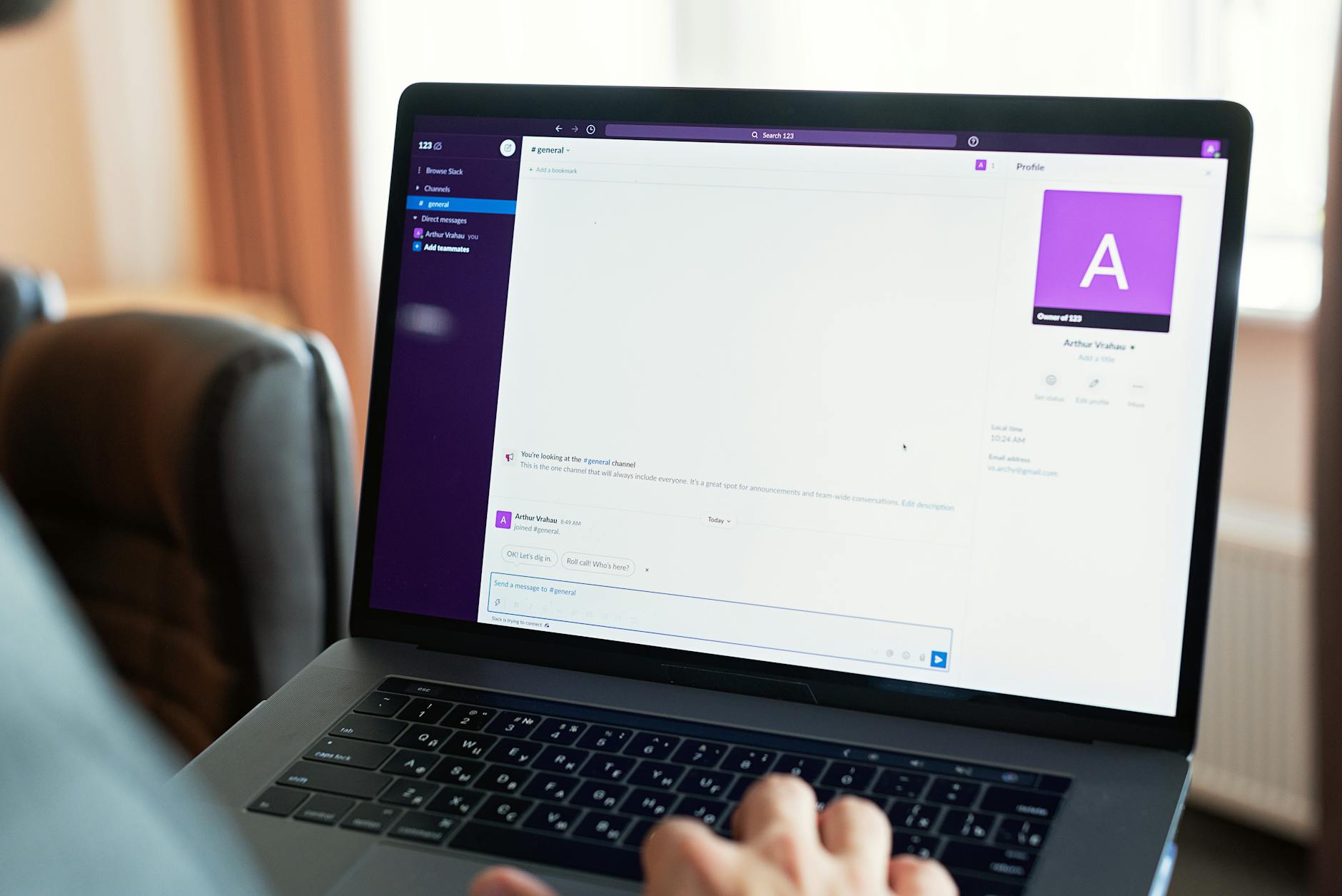

Setting up Slack for a remote-only team requires going beyond the default configuration to create a communication system that actually scales with distributed work. The core setup involves establishing workspace architecture, defining channel structures, configuring notification rules, integrating essential tools, and setting guidelines that prevent the platform from becoming a source of digital noise. A development team at a mid-sized SaaS company might start by creating channels like #engineering, #deployments, #random, #clients, and #announcements, then add integrations for GitHub, Jira, and their monitoring stack—this foundation prevents critical alerts from being buried in casual conversation while keeping context accessible.
The difference between a Slack workspace that energizes remote collaboration and one that exhausts your team comes down to intentional setup. You can’t simply invite everyone to a workspace and expect efficiency; remote teams depend on Slack to replace the informal hallway conversations, emergency broadcasts, and context-sharing that happen naturally in offices. Without thoughtful structure, Slack becomes either a constant interruption or a graveyard of unanswered messages. The stakes are higher for distributed teams because there’s no physical proximity to fall back on when communication breaks down.
Table of Contents
- How Should You Structure Channels for a Distributed Team?
- What Role Do Notification Settings Play in Remote Productivity?
- Which Integrations Create the Most Value for Remote Teams?
- How Should You Configure Message Threading and Conversation Flow?
- What Are the Hidden Pitfalls of Always-On Communication?
- How Do You Maintain Team Culture Without Physical Proximity?
- What Emerging Features and Future Considerations Matter for Remote Teams?
- Conclusion
- Frequently Asked Questions
How Should You Structure Channels for a Distributed Team?
Channel architecture is the foundation of Slack effectiveness. Start by separating channels by function rather than trying to cram everything into a few high-traffic rooms. A typical structure includes work-specific channels (#backend, #frontend, #design, #product), integration channels for automated alerts (#deployments, #errors, #monitoring), announcement channels for broadcast-style information (#announcements, #company-updates), and social channels to preserve team culture (#random, #watercooler, #coffee-talk). This prevents engineers debugging a production issue from missing critical messages in #announcements while simultaneously removing the need for developers to stay notified on every marketing campaign update.
The key limitation is that teams often create too many channels too quickly, fragmenting conversation and making it impossible for new hires to know where to ask questions. Instead, start lean with five to ten core channels and only create additional ones when a clear need emerges. A distributed product team working on a mobile app might have #mobile-development, #mobile-design, #mobile-bugs, #mobile-releases, and #mobile-marketing—but resist creating #iphone-specific-issues until you actually have enough volume in that area to justify it. Slack’s search functionality and threading can handle nuance within channels better than trying to predict every possible conversation category up front.

What Role Do Notification Settings Play in Remote Productivity?
Notification configuration directly impacts whether your team stays productive or becomes conditioned to ignore Slack entirely. By default, Slack notifies you about everything, which for a distributed team means constant interruptions. The solution is granular notification rules: mute most channels by default and explicitly unmute only the ones that require immediate attention. Critical channels like #deployments, #errors, or #urgent-issues deserve immediate notifications on your desktop and phone. Informational channels like #announcements can use a daily digest.
Social channels like #random should be completely silent unless someone mentions you directly. A significant warning here is that overly aggressive muting creates problems of its own—team members miss important context and security updates when they’ve disabled notifications across the board. A better approach is teaching your team to use Slack’s mention features strategically: only use @channel when it’s genuinely urgent, reserve @here for messages that need attention soon but not immediately, and default to mentioning specific people or using no mention at all for general information. Many remote teams adopt a “no notifications before 10am” policy to protect focus time, or use Slack’s Do Not Disturb feature scheduled during deep work hours. The tradeoff is that some messages will take longer to reach people, but the alternative—teams in a constant state of interruption—produces worse overall output.
Which Integrations Create the Most Value for Remote Teams?
Tool integration transforms Slack from a chat platform into a command center. A development team should start with GitHub integration to bring pull request notifications, deployment alerts, and code review reminders directly into dedicated channels. Jira integration allows engineers to track issue movement without context-switching. Monitoring tools like Datadog, New Relic, or custom webhook integrations ensure that performance problems surface immediately. For project management, Asana or Monday.com integration keeps task status visible.
A distributed marketing team might add Google Analytics alerts for traffic anomalies or HubSpot notifications for high-value leads. The specific integrations you need depend on your workflow, but the principle is consistent: eliminate the need to check five different dashboards to understand what’s happening. For example, a deployment pipeline that sends success and failure messages to #deployments means your team knows immediately whether the release worked without needing to check your CI/CD dashboard. One limitation to watch is integration overload—adding too many bots to channels creates noise that rivals the interruption problem you’re trying to solve. set up integrations to post only when something actually requires attention, not on every minor event. A GitHub integration that posts on every commit is noise; one that posts only on failed tests, merged PRs, or deployment events is signal.
How Should You Configure Message Threading and Conversation Flow?
Threading is the structural element that prevents Slack from becoming a chaotic timeline. Without it, a channel devolves into a series of interruptions where people answer questions out of context and important decisions get buried. Enforce a team norm that replies to existing messages go in threads rather than as new messages in the channel. This keeps the main channel readable for people catching up asynchronously and prevents the cognitive load of tracking five simultaneous conversations in one channel. For a design team, a single message announcing a new mockup can collect all feedback in a thread, making it easy for the designer to iterate without broadcasting every comment to the entire channel.
The tradeoff is that threading reduces visibility—people can miss important context if they don’t expand threads, and some team members will forget to check threads entirely. Counter this by establishing a convention: if a thread discussion leads to a decision or action item that affects the broader team, summarize it as a new message in the main channel mentioning the thread. Also, use Slack’s “reply in channel” option when you need broader visibility on a specific response. Some teams adopt a hybrid approach where critical discussions happen in threads but summaries post as regular messages, ensuring context is never completely hidden. The comparison is between organized conversation that requires slightly more navigation versus chaotic conversation where everything is immediately visible but nothing is findable.
What Are the Hidden Pitfalls of Always-On Communication?
The biggest danger of Slack for remote teams is the expectation of immediate availability. Without the visual feedback of someone being present in an office, Slack creates pressure to respond constantly. This leads to burnout, especially for managers who become pinging nodes receiving messages from every direction. Set explicit communication norms: define core hours when people should be responsive, establish that Slack is not for emergencies (phone calls are), and create boundaries around what constitutes “urgent.” A distributed team spanning multiple time zones needs especially clear norms. If you have people in London, San Francisco, and Sydney, expecting every message to receive a response within five minutes is impossible and destructive.
Another pitfall is using Slack for complex discussions or decisions that require nuanced back-and-forth. Writing a technical specification, debating architectural choices, or making hiring decisions in threaded Slack messages is slower and produces worse outcomes than a dedicated document or synchronous call. A warning sign is when you see five-message-deep threads trying to resolve a design question—that’s a signal to move the conversation to a video call or a collaborative document. Many successful remote teams use Slack primarily for quick status updates, coordination, and announcements, while reserving longer-form communication for other tools. The limitation is that this requires discipline; teams naturally gravitate toward doing everything in Slack because it’s convenient and searchable.

How Do You Maintain Team Culture Without Physical Proximity?
Remote teams often worry that lack of in-person interaction will erode culture, and Slack can’t fully replace watercooler conversations. But dedicated social channels create space for connection. A #random or #watercooler channel where people share news, photos, and non-work observations builds familiarity. Some teams add #books, #music, #pets, or #cooking channels for specific interests. The key is making these spaces genuinely optional—if you create a #memes channel but it’s actually where important work updates get buried, you’ve failed.
Keep social channels separate from work channels so people can opt in or mute them without missing critical information. An underrated approach is using Slack for structured connection moments. Some teams have a #daily-standup channel where people post brief updates each morning, creating a rhythm and reducing the need for synchronous meetings. Others use the scheduled message feature to send team trivia or discussion prompts at specific times. A distributed engineering team might have a #wins channel where people celebrate shipped features, code reviews completed, or bugs fixed—this surfaces positive momentum that would otherwise be invisible in a distributed environment.
What Emerging Features and Future Considerations Matter for Remote Teams?
Slack continues evolving with features designed for distributed work. Canvas, which allows collaborative document editing within Slack, reduces the need to switch between tools. Clips let team members record video explanations of complex issues without needing to schedule a meeting. Huddles enable quick synchronous conversations without the friction of setting up a Zoom call. For remote teams, adopting these features strategically can improve communication velocity.
A support team might use clips to show customers exactly how to use a feature, while a design team might use canvas to gather feedback on mockups in real-time. Looking forward, the key consideration for remote teams is avoiding tool sprawl. Slack, Notion, Asana, Google Drive, GitHub, and a dozen other tools create context-switching overhead. The teams that stay productive are the ones that define clear ownership: Slack for synchronous coordination and announcements, a wiki or documentation tool for persistent knowledge, project management tools for task tracking, and collaborative documents for design and planning. Slack should enhance this ecosystem, not duplicate it.
Conclusion
Setting up Slack effectively for a remote team comes down to intentional structure combined with clear communication norms. Start with a logical channel architecture that separates work types, configure notifications to protect focus while ensuring critical information gets through, integrate your essential tools to centralize information, and establish conventions around threading and response expectations. None of this requires complex configuration or expensive Slack upgrades—it’s primarily about decisions and discipline. The ongoing work is maintaining these systems as your team grows.
New hires need onboarding on channel norms and integration behavior. Channel purposes drift over time as teams evolve. Integration configurations become outdated as tools change. Regular audits—perhaps quarterly—to evaluate which channels are active, which integrations are still firing alerts, and whether communication norms are working will keep Slack aligned with how your team actually works rather than how you hoped it would work when you set it up.
Frequently Asked Questions
What’s the ideal number of Slack channels for a small team?
Start with one channel per major function (engineering, design, product, marketing) plus one announcement channel and one social channel. For a team of 10-15 people, that’s likely 5-7 channels. Resist pressure to create more until you hit capacity constraints.
Should all-hands meetings happen in Slack or on video calls?
All-hands meetings should happen on video calls for maximum engagement and to preserve Slack for asynchronous communication. Use Slack to distribute meeting summaries and decisions afterward so people who couldn’t attend can catch up.
How do you handle Slack across time zones?
Use your core hours concept: define overlap hours when the team should be responsive, acknowledge that messages sent outside overlap hours don’t require immediate response, and use async-friendly channels for status updates that don’t need real-time discussion.
Is Slack searchability a reason to avoid other communication tools?
Searchability is valuable, but it shouldn’t trap you in Slack for long-form documents or strategic decisions. Instead, link to external documents from Slack using thread summaries, and use Slack as an index pointing to your source of truth rather than trying to make Slack the source of truth for everything.
Can you use Slack to replace project management tools?
Slack is excellent for coordination but poor for planning and tracking. Use it to announce decisions and call people into work, but maintain a separate project management tool for task assignment, dependency tracking, and timeline management.
What’s the best way to onboard new team members to your Slack workspace?
Create a #welcome or #onboarding channel with a pinned message explaining channel purposes, communication norms, and integration overview. Assign a buddy to help the new hire navigate the first week and answer questions about what conversations happen where.