
WordPress site owners should check their PHP version, WordPress version, and automatic updates now. PHP is the server-side language that runs WordPress code on your host, and flaws in it can expose every site on that account. According to the PHP Project, emergency releases in the PHP October security announcement fixed two unauthenticated remote-code flaws. According to WordPress.org, version 7.1.4 in the WordPress 7.1.4 security release closed a remote-code weakness in the core upgrade process.
Table of Contents
- Do your PHP versions still get fixes?
- Why does the WordPress upgrade window matter?
- What should you check today?
- What if your host still runs old PHP?
Do your PHP versions still get fixes?
The PHP Project released 8.5.12, 8.4.27, 8.3.36 and 8.2.35 on 21 Oct 2026. The two flaws are CVE-2026-109618 and CVE-2026-109619, rated CVSS 9.2.
The PHP Project describes the first as out-of-memory corruption. The second is stale-global-state handling. Both can be reached by unauthenticated requests to PHP web applications, including WordPress hosting.
Why does the WordPress upgrade window matter?
WordPress.org shipped WordPress 7.1.4 on 28 Oct 2026 as a security release. It urged owners to update immediately through Dashboard > Updates or automatic background updates. The release fixed an upgrade-process weakness reported by Umut Bayram, plus stored-XSS and data-exposure issues.
CISA lists the related flaw CVE-2026-119977 as actively exploited in its CISA catalog entry. CISA describes it as a TOCTOU race condition during core upgrades. Full-package upgrades used predictable, web-accessible staging paths, affecting versions 4.7 through 7.1.3.
What should you check today?
Start with three places: hosting panel, WordPress dashboard, and update settings. A short check now prevents a quiet outdated install from staying exposed.
If the PHP branch is old or the core version is below 7.1.4, treat the site as at risk. Save screenshots of version numbers before and after changes for your records.
- Confirm the active PHP branch in your hosting panel, not only the latest installed version.
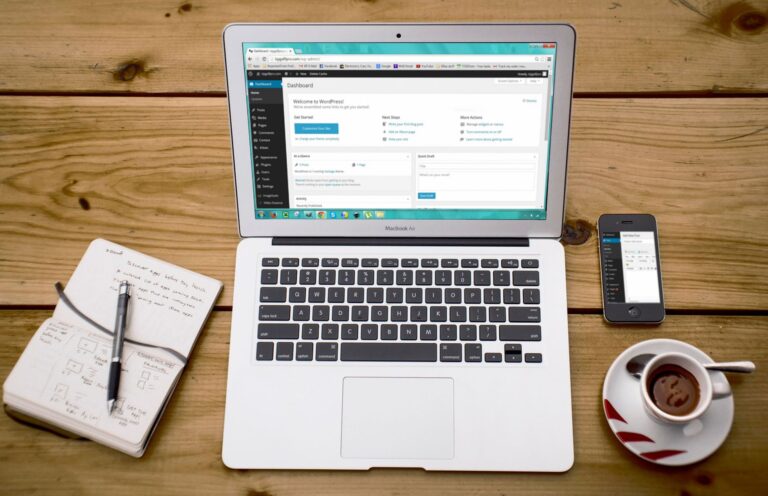
- Confirm WordPress core under Dashboard > Updates and complete any pending core update.
- Confirm automatic background updates are enabled for minor security releases.
- Confirm plugins and themes are current after the core update, then reload the site.
What if your host still runs old PHP?
According to the PHP Project, PHP 8.2 receives security fixes only until 31 Dec 2026 in the PHP supported-versions list. PHP 8.1 and older receive no official fixes, so those sites stay exposed after patching unless PHP is upgraded.
Many shared hosts allow a PHP version switch inside the control panel. If yours does not, open a support ticket and request a move to a supported branch. Ask your host to move the site to a supported PHP branch before the December deadline.