
Choose WordPress when you want an all-in-one tool for writing, page design, and publishing. Choose a headless CMS, a back end that sends content through an API, when you need the same content on websites and apps.
An API is a standard connection that lets one program request content from another. WordPress links management and display by default, while headless keeps them separate. That split shapes editing, building, and upkeep.
Official resources:
- Explore the WordPress REST API Handbook — Verify how WordPress exposes posts and pages as JSON for headless front ends.
- Compare CMS adoption and performance in the Web Almanac CMS chapter — Check independent data on CMS market share and user experience before choosing.
Table of Contents
- What changes for editors and builders?
- When does WordPress fit best?
- When does headless fit best?
- What will each option demand from your team?
- How to make the final call?
What changes for editors and builders?
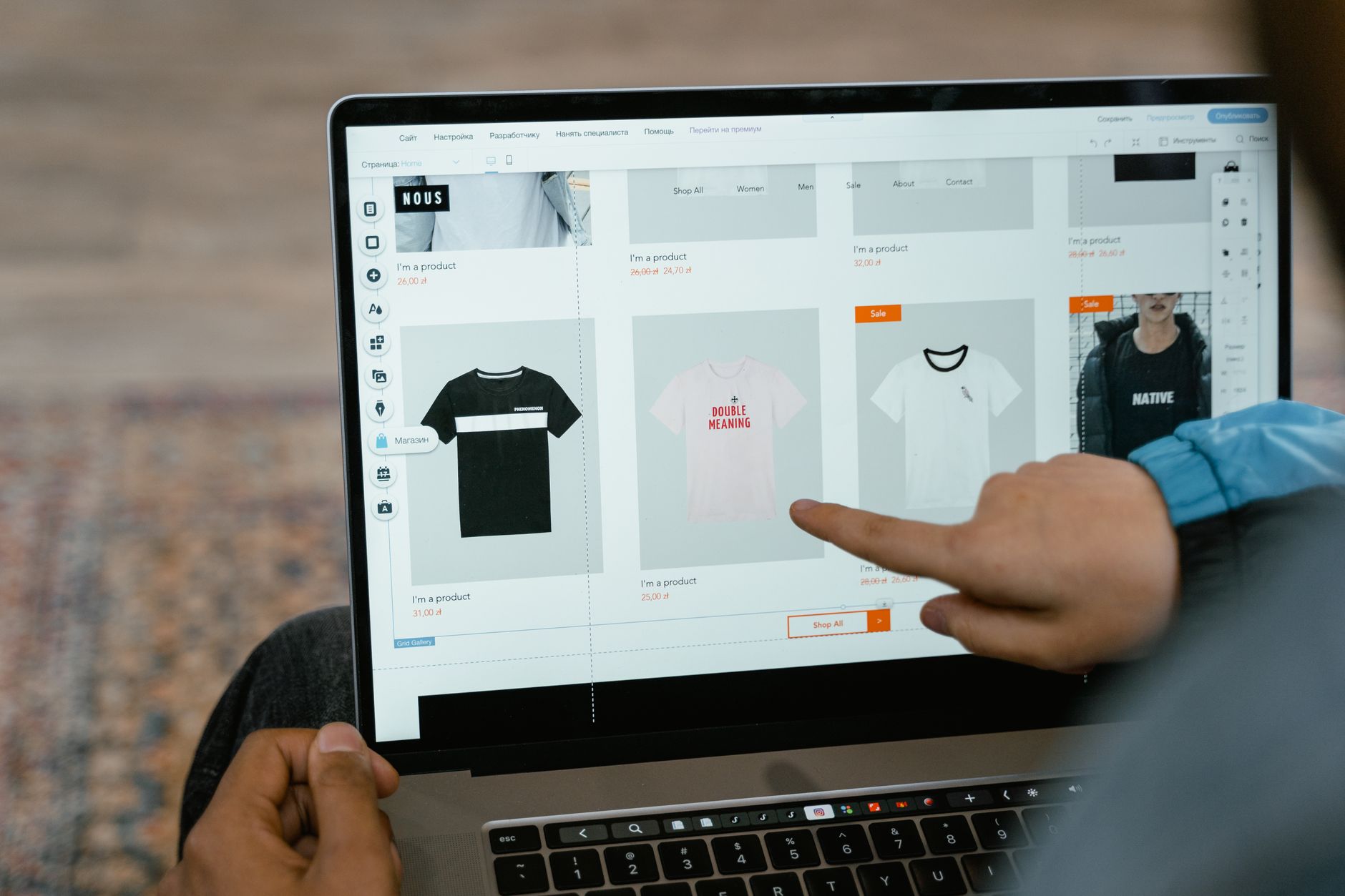
WordPress gives writers a dashboard with blocks, themes, and live preview. What they format is close to what visitors see. Small teams can launch and adjust pages without a separate display system.
Writers in a headless setup fill structured fields for title, summary, body, and image. Developers build the site or app screens that show those fields. Preview, page layout, and small fixes often need developer time.
When does WordPress fit best?
WordPress fits blogs, business sites, lesson libraries, and small stores with standard pages. It bundles accounts, comments, forms, and many ready extensions. Editors and managers can run daily work in one place.
Limits still apply. Heavy custom design or reuse across many channels can strain themes. Keep custom code narrow if you want fast updates.
- your main output is one website with posts and pages
- editors want visual control and quick preview
- you have little time for custom display code
- you need forms, logins, or checkout without custom builds
When does headless fit best?
Headless fits teams that publish to a site plus an app, kiosk, or email product. Each channel pulls the same entry through the API. Developers control layout, navigation, and speed with front-end code, the part visitors see.
Headless adds upkeep. You host and secure two parts instead of one. Editors must learn structured fields, and preview needs setup.
- you reuse the same texts in several places
- designers need full control over layout and speed
- developers can build and run a separate display layer
- you plan to redesign without moving content
What will each option demand from your team?
WordPress needs less developer time at launch. Editors, designers, and managers handle daily pages and orders. Developers focus on themes, updates, backups, and access control. Headless needs steady developer time.
Developers build the display layer, link the API, and fix both sides. Editors must use strict fields so entries show well in every channel. Map roles before you commit. List who writes, who approves, who builds pages, and who responds to outages. Pick the setup your current staff can support for a year.
How to make the final call?
Lay needs, skills, and growth side by side. Count channels, edit volume, design demands, and upkeep hours.
A short trial shows gaps faster than a feature list. Keep the trial entries and note where time went. Choose the option with fewer delays and clearer ownership.
- list every place content must appear now and next year
- note editor skill and developer hours you can spare
- test one real article in both setups
- measure time to write, approve, publish, and fix