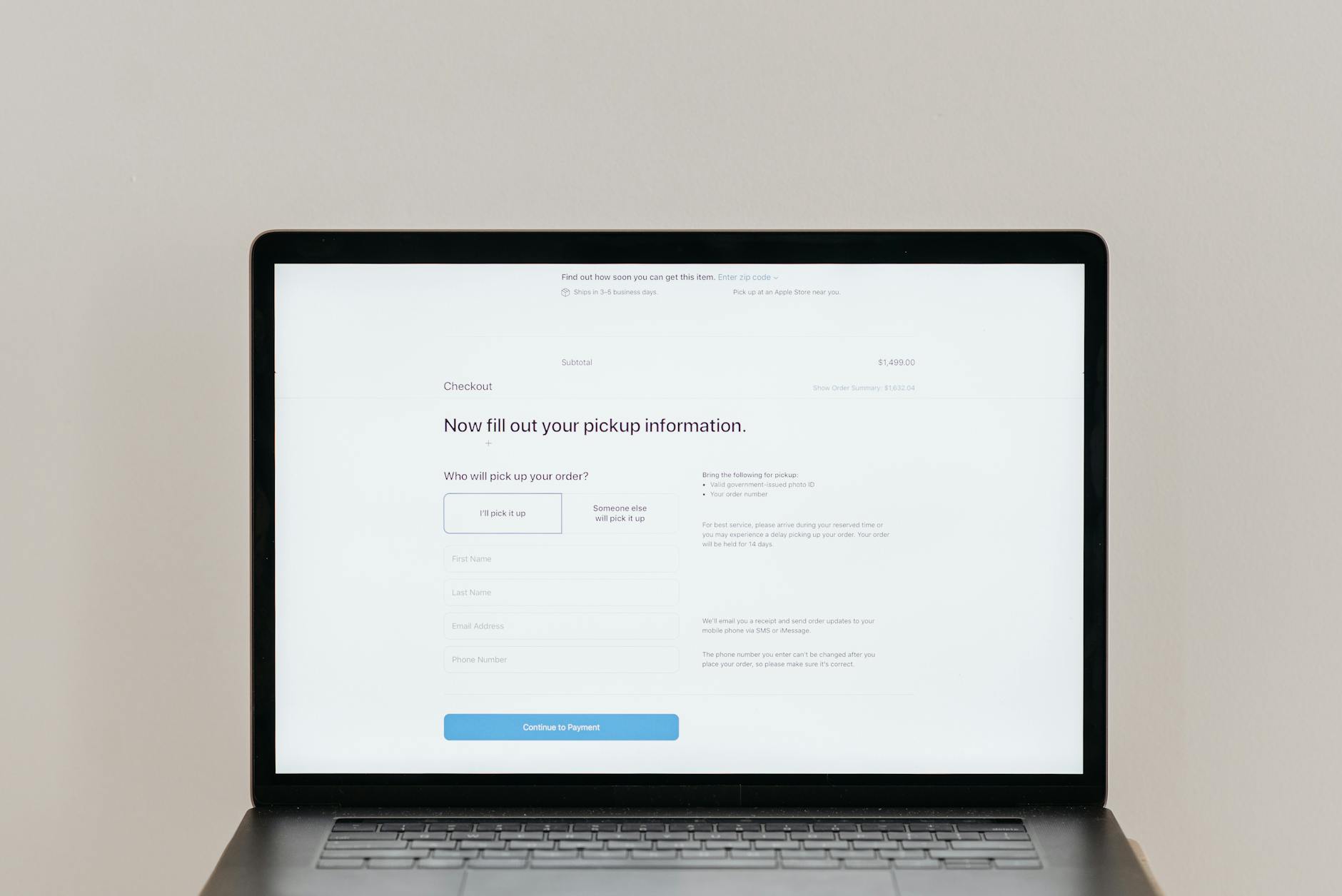

Improving your WordPress checkout flow to reduce cart abandonment starts with understanding that 70.22% of shoppers abandon their carts before completing a purchase—but the good news is that most abandonment is preventable through targeted design changes. The primary culprits are hidden fees (48% of abandonments), overly complex checkout processes (21%), and slow page load times exceeding 3 seconds (74% of mobile shoppers will leave). A real-world example: when SkyGeek, an aviation equipment retailer, simplified their checkout from 15+ fields down to 7 required fields, they achieved a 12% conversion rate improvement, translating directly to recovered revenue. This article will walk you through the specific checkout optimizations—from field reduction to transparent pricing to performance improvements—that WordPress site owners can implement to recapture lost sales and boost conversion rates.
The stakes are significant. Cart abandonment represents $18 billion in lost revenue globally each year, with an estimated $260 billion recoverable across just the US and EU markets. Mobile devices are the biggest problem area, with mobile checkout abandonment at 80.02% compared to desktop’s 66.41%. Whether you’re running WooCommerce, Easy Digital Downloads, or a custom WordPress checkout system, the optimization principles remain consistent: reduce friction, increase trust, and eliminate surprises at the final step.
Table of Contents
- Why Is Your WordPress Checkout Losing Sales?
- The Mobile Checkout Crisis and Page Speed
- Simplifying Your Checkout Field Requirements
- Transparent Pricing and Hidden-Fee Prevention
- Mobile Payment Options and Guest Checkout
- Exit-Intent Technology and Cart Recovery Emails
- Seasonal Patterns and Continuous Testing
- Conclusion
- Frequently Asked Questions
Why Is Your WordPress Checkout Losing Sales?
Before making changes, understand why cart abandonment happens at such alarming rates. The primary reason is unexpected costs. Shoppers add items to their cart with a mental price in mind, then encounter shipping fees, taxes, or handling charges that weren’t visible earlier in the shopping experience. This hidden-fee problem causes 48% of all cart abandonments. A customer adds a $50 item thinking they’ll pay that amount, then discovers shipping will cost $15 or taxes add $8—and suddenly the purchase feels expensive. The solution isn’t hiding these costs further; it’s displaying them earlier in the checkout process, ideally during the cart review page before the customer enters the checkout form.
The second major issue is checkout complexity. Many wordpress site owners think more fields mean more information, but the opposite is true: excessive fields increase abandonment. Research shows the ideal checkout should have a maximum of 7 required fields. Yet many WordPress checkouts ask for 10, 12, or even 15 pieces of information. Consider this comparison: a furniture retailer that reduced their checkout from 12 fields to 7 (removing “company name,” “phone number,” and “apartment/suite details” as optional rather than required) saw a noticeable drop in abandonment rates. The rule is simple—only ask for what you absolutely need to process the order and ship the product.

The Mobile Checkout Crisis and Page Speed
Mobile devices account for the vast majority of online traffic, but they’re also where checkout abandonment is most severe. Mobile users face 80.02% abandonment rates versus 66.41% on desktop—a 13.6-point gap that represents massive lost revenue. This gap exists because mobile checkout is harder: smaller screens mean harder-to-click buttons, slower networks mean longer load times, and autocomplete doesn’t work as well on mobile forms. However, if you optimize specifically for mobile—larger touch targets, simplified forms, and streamlined payment options—you can close this gap significantly. Page speed is non-negotiable at checkout.
If your WordPress checkout takes longer than 3 seconds to load, 74% of mobile shoppers will abandon. This is a hard truth: visitors have already made a purchasing decision by the time they reach checkout, and a slow page feels like the site is broken. Test your checkout page speed using Google PageSpeed Insights or GTmetrix, paying special attention to mobile speed. Common culprits include unoptimized product images, too many external scripts, poorly configured WordPress plugins, and unminified CSS/JavaScript. A practical example: if you’re using a page builder like Elementor or Divi for your checkout page, disable unnecessary design elements on the checkout template and use a lightweight, purpose-built checkout design instead.
Simplifying Your Checkout Field Requirements
The most impactful change you can make is reducing required fields to an absolute minimum. Implement a progressive profiling approach where you collect only essential data during checkout, then request additional information (preferences, birthday for email marketing, company size) after the purchase is complete. Your checkout form should ask for: name, email, address, city, state, ZIP/postal code, phone (if required by your payment processor), and payment information. That’s 7 fields. Everything else—apartment number, company name, secondary email—should be optional or collected elsewhere. A real-world application: an e-commerce site selling digital products was requiring phone numbers on checkout.
Because digital products don’t require phone for shipping, removing this field as required reduced abandonment by 4%. When the same site made “company name” optional instead of required, another 3% of customers completed checkout. These seem like small percentages, but at scale they represent significant revenue recovery. In your WordPress checkout (WooCommerce, EDD, or custom), audit every single field and ask: “What will break if this information is missing?” If shipping won’t process, keep it. If you just want data for marketing, make it optional or collect it post-purchase. Test this change incrementally—reduce to 8 fields, measure abandonment for two weeks, then reduce to 7.
Transparent Pricing and Hidden-Fee Prevention
Hidden fees are responsible for 48% of cart abandonments, making this the single largest factor you can control. The solution is complete price transparency starting as early as possible. Display estimated shipping costs on the product page if possible. As customers add items to their cart, show a “View Cart” option that displays a total with estimated taxes and shipping before checkout begins. Then, on the checkout page itself, show the full price breakdown in real-time as they enter their address. Here’s the comparison: Site A shows shipping cost only on the final checkout page. Site B shows shipping estimates on the product page and updates them as items are added to the cart.
Site B consistently experiences lower abandonment because customers have already mentally accepted the final price before starting the checkout form. Implement this in WooCommerce by enabling “display product price plus tax” and using a dynamic shipping calculator that shows estimates immediately. For custom checkouts, use the customer’s entered address to trigger real-time shipping lookups via your shipping provider’s API. The additional 1-2 seconds of processing time is worth the reduction in “sticker shock” abandonment. Warning: if your shipping costs vary dramatically based on address (rural vs. urban, domestic vs. international), customers may still abandon when they see their location results in expensive shipping—but that’s a legitimate reason, not a hidden-fee surprise.
Mobile Payment Options and Guest Checkout
Today’s mobile shoppers expect multiple payment methods. Apple Pay, Google Pay, PayPal, and Shopify Pay (now Shop Pay) are not nice-to-have features—they’re essential checkout tools. Customers who can use their preferred payment method abandon less frequently than those forced into a single option. A common limitation: if you only accept credit cards, you’ll lose international customers, younger shoppers who prefer digital wallets, and anyone uncomfortable entering card details into a form. Many WordPress sites fear complexity in adding multiple payment options, but modern WordPress plugins make this relatively straightforward.
In WooCommerce, use WooCommerce Payments or Stripe with payment request buttons enabled—this adds Apple Pay and Google Pay buttons above your standard checkout form, allowing customers to complete purchases in a single tap if they prefer. Testing is critical: ensure these buttons actually work on your mobile checkout, load quickly, and are visually prominent. A limitation to watch: some payment gateways charge higher processing fees for mobile wallet transactions, and some require additional PCI compliance setup. However, the conversion lift from offering these options almost always justifies the minor additional cost. Disable guest checkout only if you have a very specific business reason (subscription-based sites, for example)—forcing account creation at checkout is one of the fastest ways to increase abandonment.

Exit-Intent Technology and Cart Recovery Emails
Not every abandoned cart is a permanent loss. Exit-intent popups—which trigger when a visitor moves to leave the page—can recover 5-15% of abandoned carts by offering a last-minute incentive (“10% off if you complete your purchase now”) or identifying the abandonment reason. Use this with caution: intrusive popups can degrade user experience if overused, but a single, well-timed exit-intent offer has proven effective across thousands of e-commerce sites. Example: a WooCommerce store tested an exit-intent popup offering 10% off “if you complete checkout in the next 10 minutes.” While only 8% of abandoning visitors took the offer, that represented $2,400 in recovered revenue monthly. Even more effective is automated cart recovery email.
When a customer abandons a cart, send a reminder email after 1 hour, then another after 24 hours if they haven’t returned. Segment these emails: offer a discount incentive in the first email, and follow up with a softer “we held your items” message in the second. WordPress plugins like CartFlows (WooCommerce) and AbandonedCart (EDD) automate this entirely. The key is not to spam—if someone abandons a cart and ignores two recovery emails, they’ve made their choice. Stop after the second email unless they specifically re-engage.
Seasonal Patterns and Continuous Testing
Cart abandonment fluctuates seasonally. December experiences the lowest abandonment rate at 71.36% (holiday shopping intent is high), while August peaks at 78.77%—a 7-point difference that can represent thousands in lost revenue depending on your site volume. Understanding these patterns allows you to adjust strategy by season. During high-abandonment months like August, increase cart recovery email frequency and test more aggressive exit-intent incentives.
During December, focus on ensuring your checkout is fast enough to handle peak traffic volume. Implement continuous A/B testing on your checkout: test field count, button colors, payment options, incentive offers, and copy. Measure changes over 2-week periods rather than single days to account for traffic variation. Track which changes reduce abandonment rates most effectively for your specific audience and products. The checkout that works perfectly for a B2B software company may not work for a fashion retailer, so test with your actual customer behavior rather than copying another site’s setup.
Conclusion
Reducing WordPress checkout abandonment doesn’t require complete platform changes—it requires strategic optimization focused on the five primary abandonment triggers: unexpected costs, complex forms, slow page speed, limited payment options, and poor mobile experience. Start by implementing the highest-impact changes: reduce required checkout fields to 7 or fewer, display shipping and tax costs before checkout begins, optimize mobile page speed to under 3 seconds, and offer multiple payment methods including mobile wallets. These changes alone can reduce abandonment rates from the 70% industry average to the mid-60s for many sites. The next step is to establish ongoing measurement.
Set up Google Analytics goals for checkout completion, segment by device type (mobile vs. desktop), and track your abandonment rate monthly. Test one change at a time over 2-week periods, measure the impact, and compound improvements. Recovery tactics like exit-intent popups and abandoned cart emails add another layer, recovering an additional 5-15% of lost carts. With $260 billion in globally recoverable e-commerce revenue at stake, the ROI of checkout optimization is almost always positive.
Frequently Asked Questions
Should I use a one-page checkout or multi-step checkout?
One-page checkouts generally reduce abandonment because they eliminate the perception of complexity and reduce load time (fewer page reloads). However, if your checkout collects significant information (shipping address, billing address, custom fields), breaking it into logical steps (1: Shipping Info, 2: Payment, 3: Review) can sometimes perform better by making the process feel less overwhelming. Test both versions with your audience.
How do I handle required billing address fields when someone pays with PayPal or Apple Pay?
Most payment processors (Stripe, PayPal, Apple Pay) return address information after payment. Set your checkout to make billing address optional initially, then populate it automatically from the payment processor’s data. Only require customers to manually enter billing address if the payment processor doesn’t return that data.
What discount percentage should I offer in exit-intent popups?
Testing shows that 10-15% is the most effective range. Offering 5% or less often doesn’t move the needle, while offering 25%+ trains customers to expect constant discounts. Start with 12% and test up or down based on your margins.
Is a progress bar helpful on multi-step checkouts?
Yes, significantly. Progress bars reduce the anxiety of “how many more steps are there?” and improve completion rates. Ensure the progress bar updates correctly and doesn’t give false information about how close customers are to completion.
How often should I send abandoned cart recovery emails?
Send the first after 1 hour, the second after 24 hours. If they still haven’t returned, stop—additional emails typically become spam and harm your email deliverability reputation. For high-value orders, you could test a third email at 3 days with a softer tone (“We still have your items”).
Should I require account creation before checkout?
No. Make account creation optional or offer it post-purchase. Requiring login or registration before checkout increases abandonment by 25-50% depending on your site. The only exception is for subscription-based services where account creation is inherent to the product.